{pet name} Talents
How to open
Open /pets > Your Pets. Shift-right-click your pet, then choose Choose Talents.
Read two branches at each talent milestone. Click an available branch, then click the same branch again to confirm permanently. Back returns to Pet Details.
What each button does
{pet name} Talents
View the related in-game pictures and tooltips (1)
Related pictures and tooltips
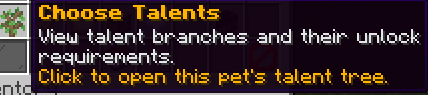
Menu picture
Illustrated control map. Item availability, labels and locked states can change in-game. Symbols identify actions; they are not exact item textures.
Choose a pictured button to read what it does. Use arrow keys to move between buttons. On a phone, scroll the picture sideways.
{pet name} Talents
Middle: Level 100 talent branch: Read Level 100 talent branch. Level 75 talent branch: Read Level 75 talent branch. Level 50 talent branch: Read Level 50 talent branch. Level 25 talent branch: Read Level 25 talent branch.
Bottom row: Back: Return to the previous menu. Selected pet: Read Selected pet. Close: Close this menu.
Pictures